
Demographic map showing household data

Demographic Mapping

Discover Trends Within A Market With A Demographic Map

Demographic mapping shades a map by population characteristics like income, growth, or education so you can see exactly where your target customer lives. Commercial real estate professionals use demographic maps to evaluate sites, find expansion opportunities, and show clients the trends behind a market. With hundreds of demographic variables at your fingertips, REGIS Online shows where any type of demographic is in your market.

What Is Demographic Mapping?

Demographic mapping displays population characteristics, such as household income, population density, growth, education, and employment, as color shading or dot density on a map to show where target customers live. Commercial real estate professionals use demographic maps to compare trade areas, evaluate sites, and show clients why a location works. REGIS Online lets users shade maps by hundreds of demographic variables for any zip code, radius, or custom trade area, combine up to four variables into a heat map, and create unlimited maps nationwide.

Choose from hundreds of demographic variables to add to your maps

Map Hundreds of Demographic Variables

With REGIS Online, you can see data for hundreds of demographic variables with just a click. Choose from household income, population, education level, and hundreds of other options.

Explore Demographic Data
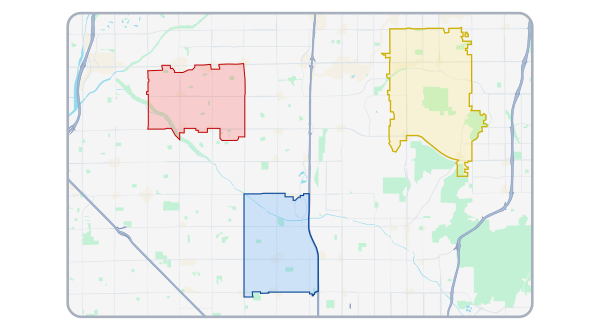
demographics by zip code on a map

Visualize Demographics Within Any Trade Area

Add demographic data to your map so you can quickly visualize trends. Create a demographic map by zip code, custom trade area or a radius trade area to focus on target customers and demographic trends in your market.

Learn About Trade Areas
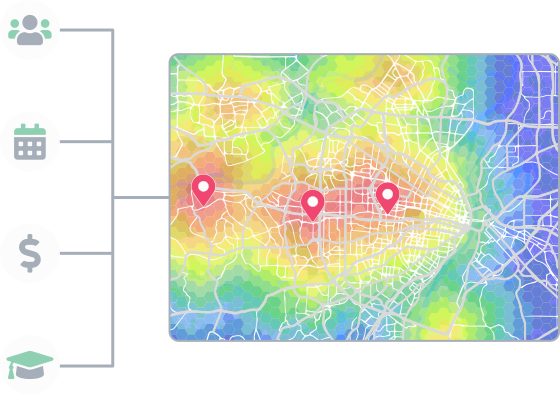
Find multiple opportunities in your market with market optimization

Compare Multiple Demographics on One Map

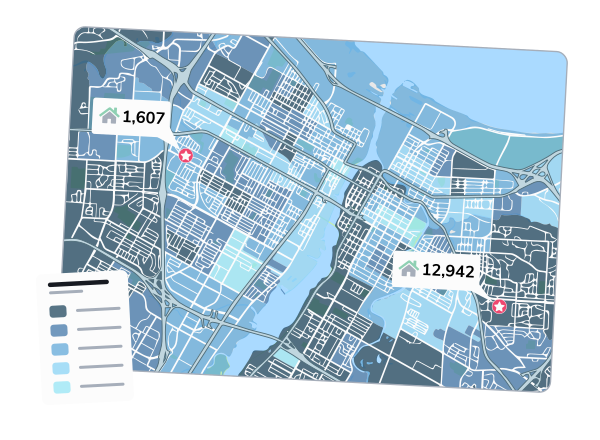
Combine up to four demographics to create a heat map. Automatically see up to the top ten ranked opportunities for expansion based on the demographics you select.

Learn More About Market Optimization
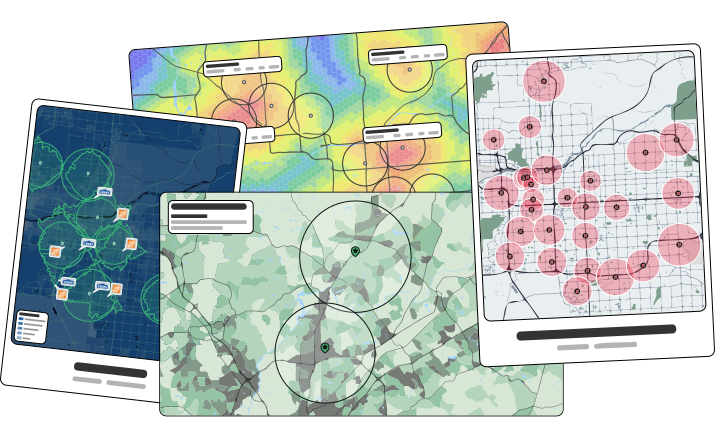
Create unlimited maps, anywhere in the nation

Unlimited Maps, Unlimited Locations

Get neighborhood demographics nationwide without worrying about limits with our demographic tools. Create as many maps and reports as you would like with REGIS Online.

See Samples
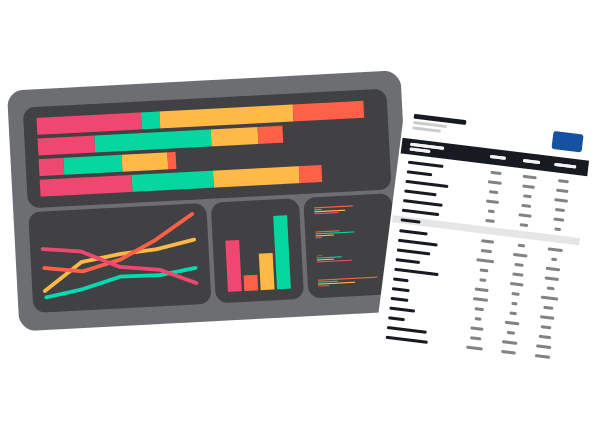
View demographic data with a report, or data view

Go from Demographic Maps to Detailed Analysis

Run one of our industry standard demographic reports for a detailed look at what is happening at your site. Compare up to four sites at once with Data View to see which sites are best.

Learn More About Data View

Add Location Data to Your Demographic Maps

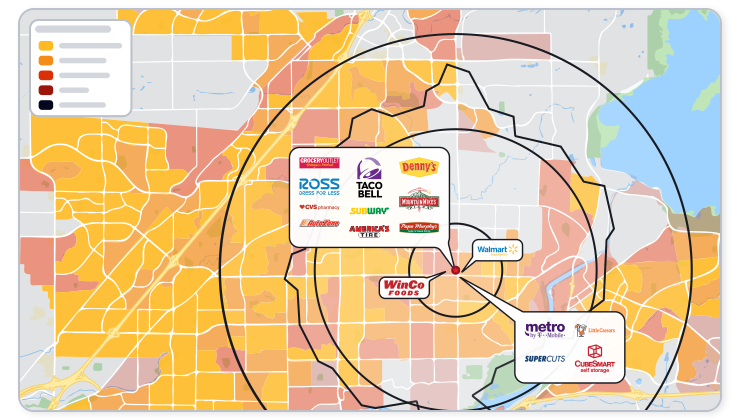
Layer competition, traffic, and customer data over your demographic maps to see the whole picture, all right in REGIS Online.

retail icon

Show Competition

Don't waste time adding retail locations by hand! REGIS Online includes hundreds of retailers that you can see with a click.

Learn More
traffic count label icon

View Traffic Patterns

Show annual or detailed counts for road segments in any market for a better understanding of how people travel.

Learn More
users icon

Discover Your Real Customer

Understand the impact a center has on a market with mobile data. See customer origins with heatmaps or trade areas.

Learn More

Demographic Mapping for Site Selection

Map the demographics around it to confirm the surrounding population matches your target customer. Shade a radius, zip code, or custom trade area by the variables that matter to your concept, and rank top opportunities with market optimization

See Site Selection Software

Demographic Map Examples

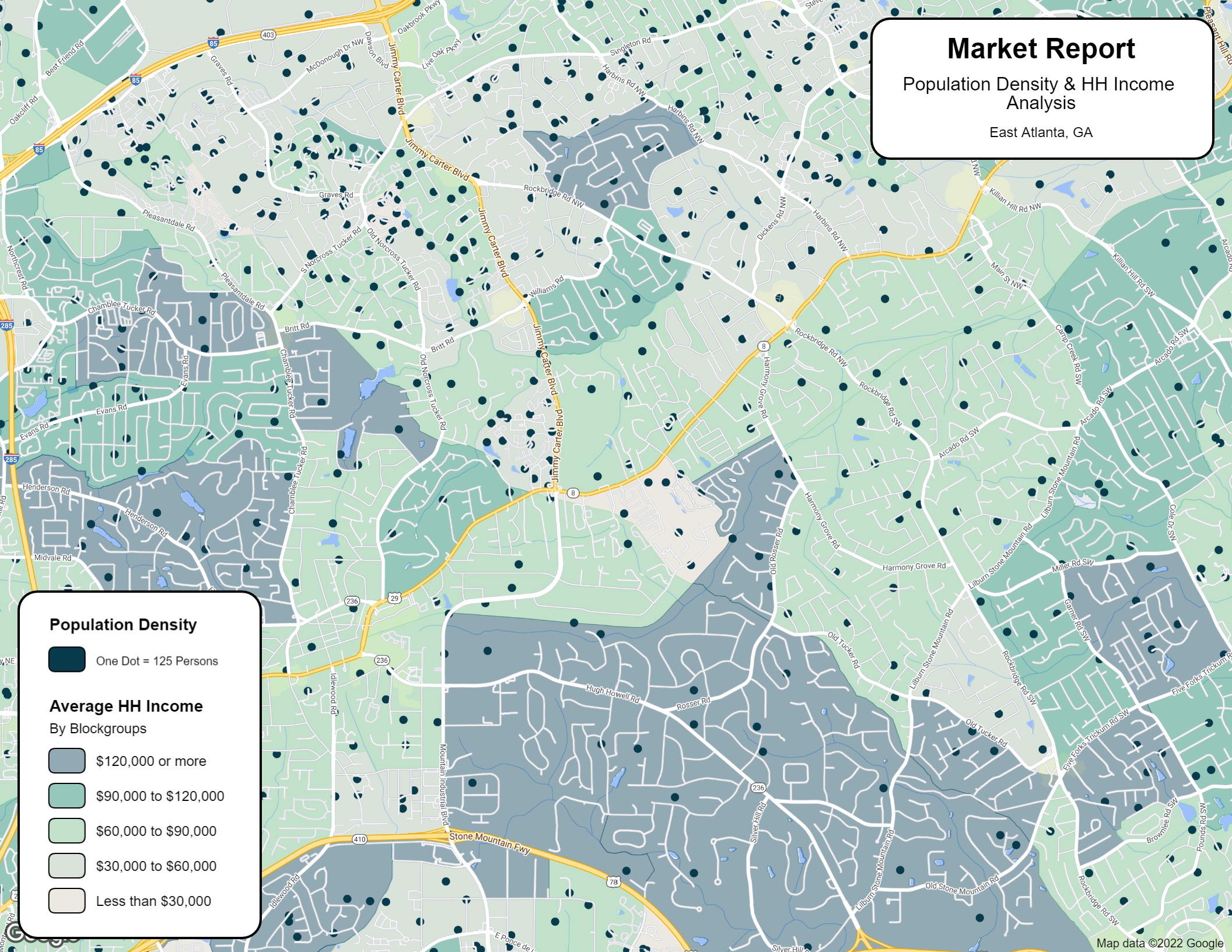
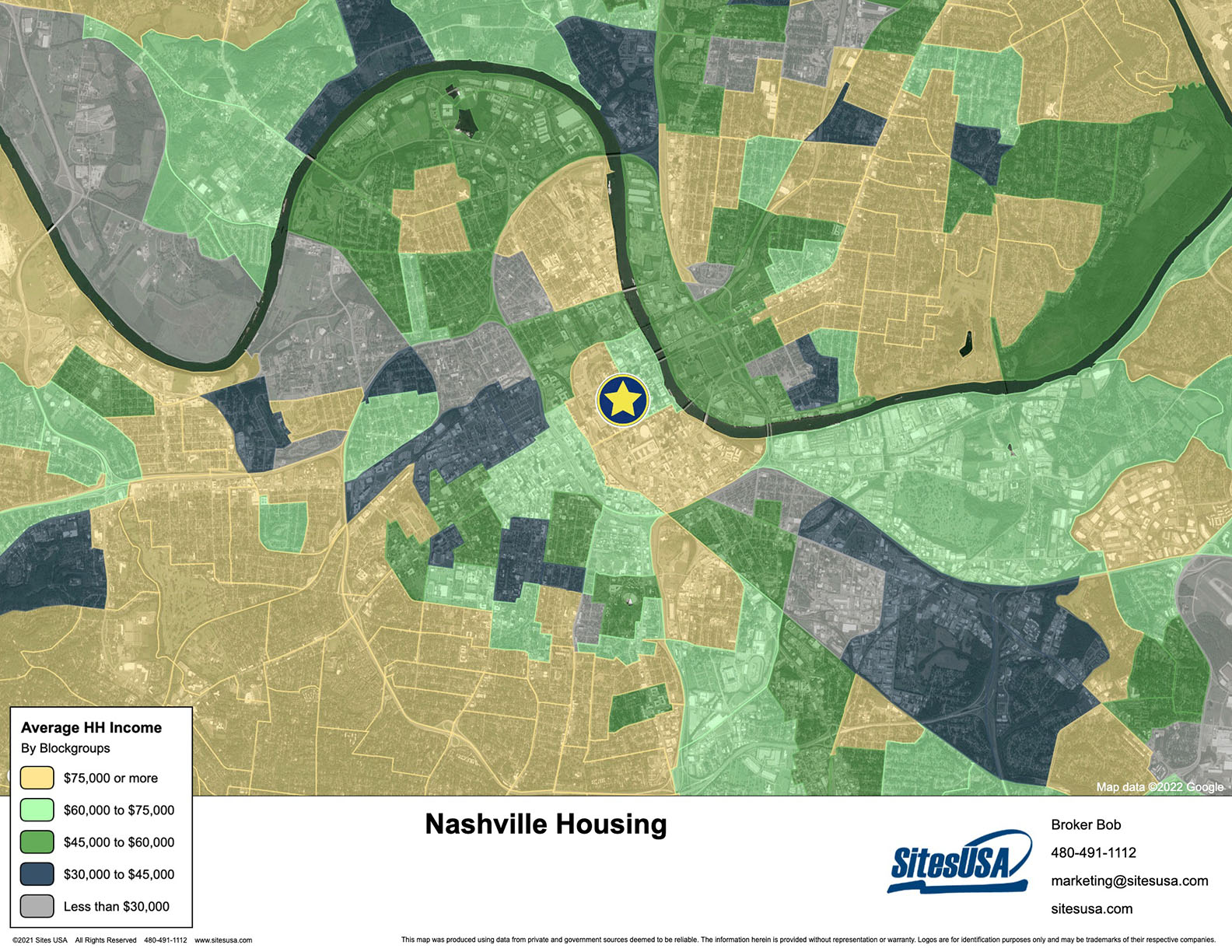
Market optimization map highlighting areas with the highest population density and incomeDemographic map shaded by population densityDemographic map shaded by population growthDemographic map shaded by employment densityDot density map of population with income shadingAerial map shaded by average household income

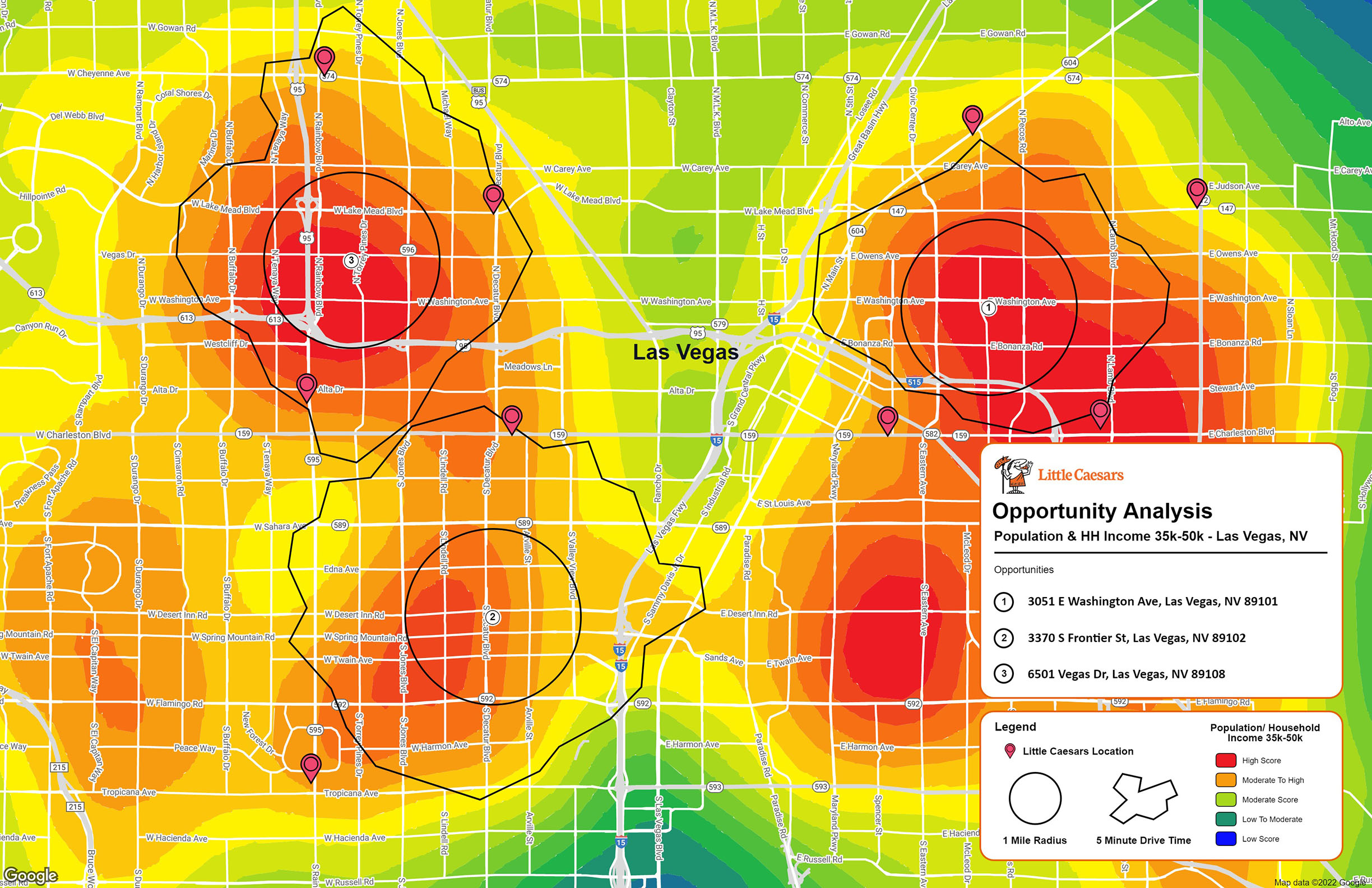
A market optimization map highlighting areas with the highest population density and income.

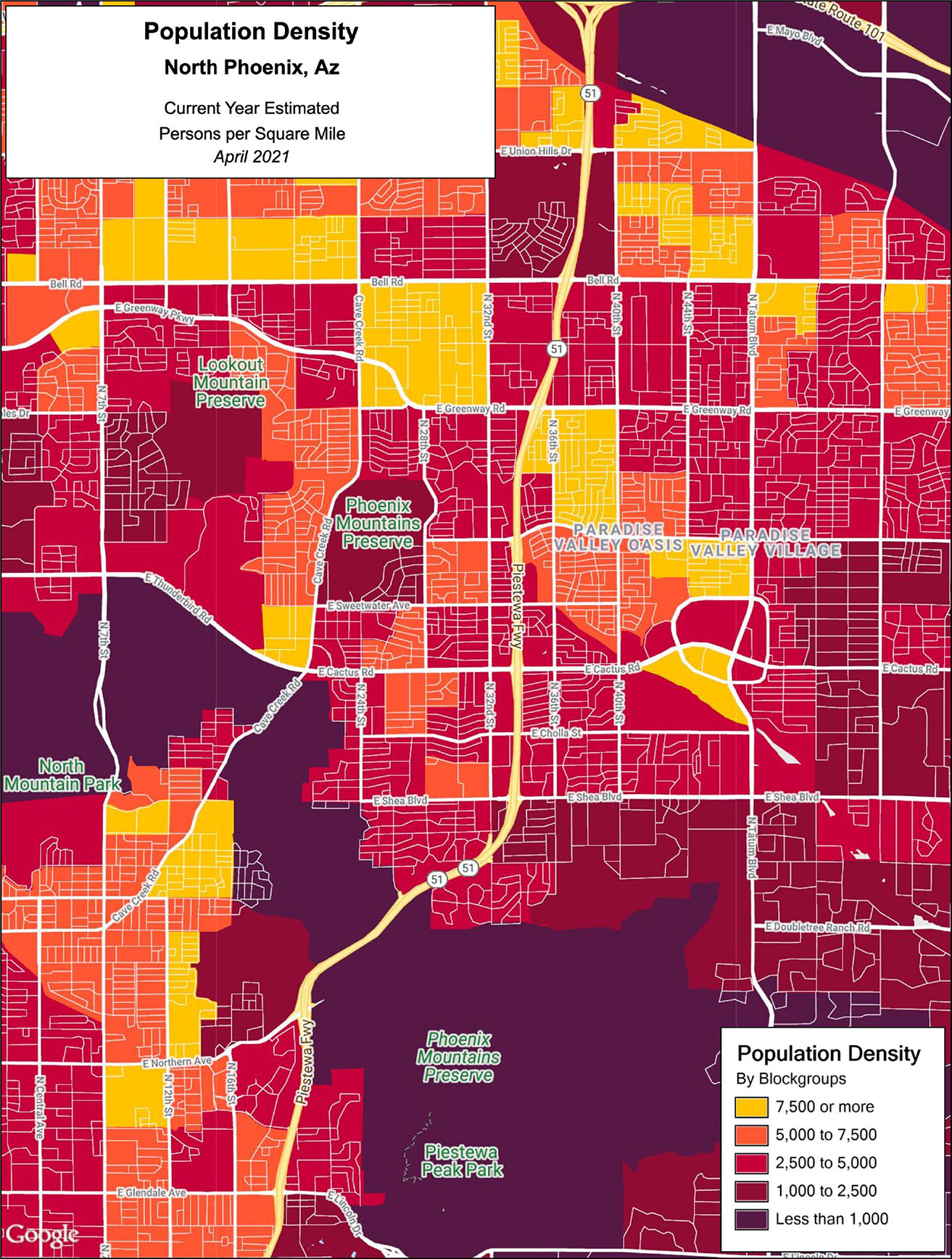
A demographic shading showing population density.

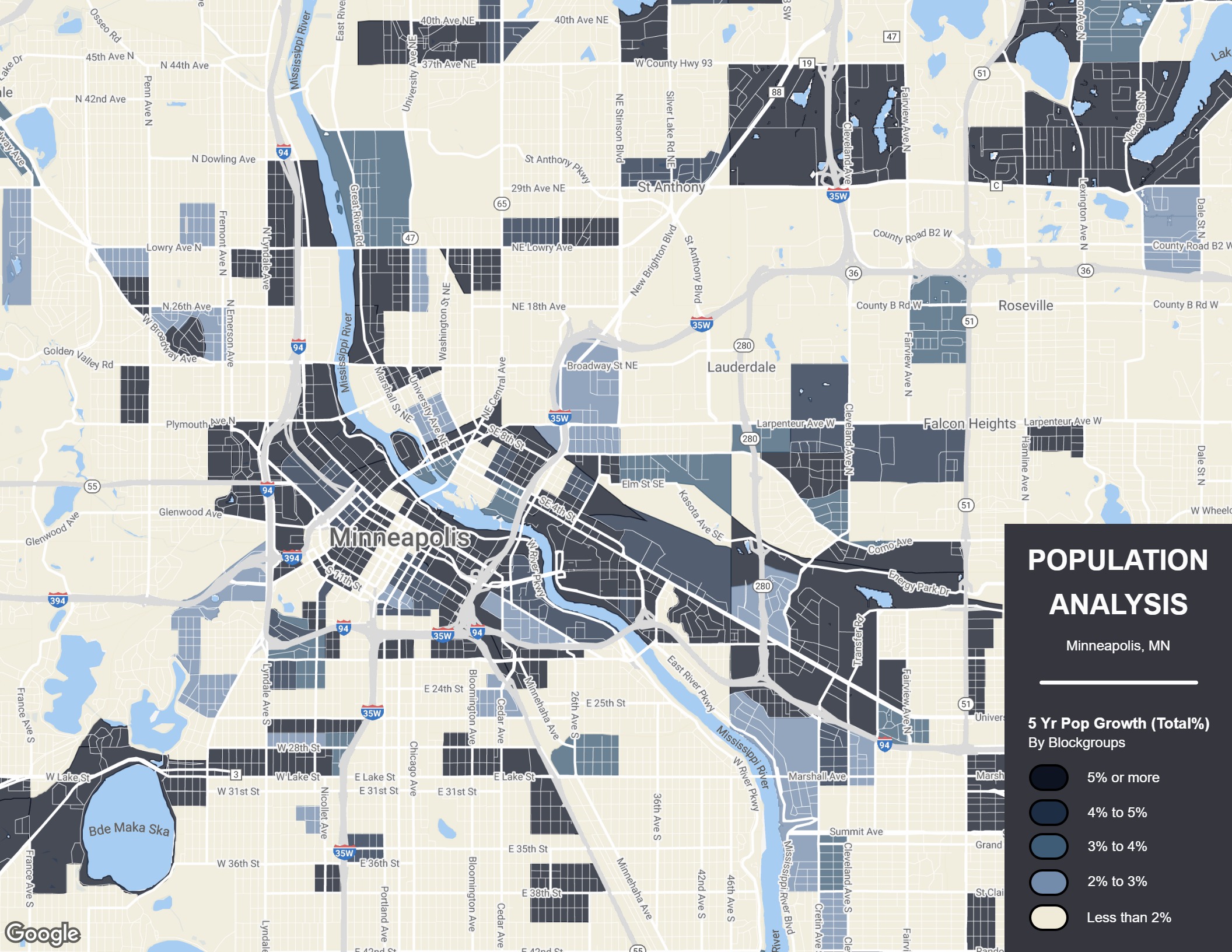
A demographic shading showing where population growth is highest.

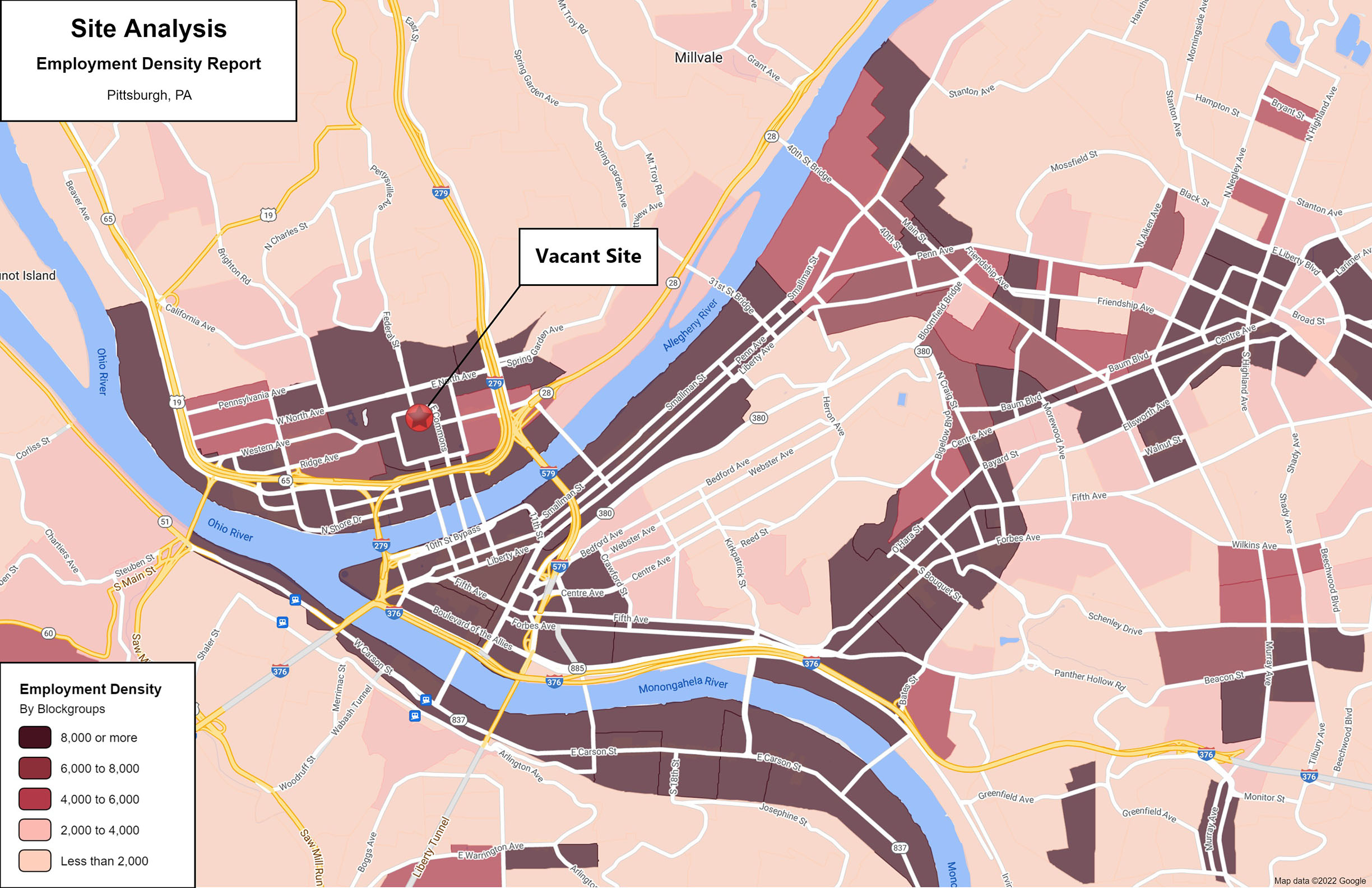
A demographic shading showing employment density.

A dot density map of population with income shading.

An aerial map shaded by average household income.

By downloading these samples you agree to Sites USA's Terms.

FAQ

A demographic map shades or plots population characteristics, such as income, population density, or growth, across a geography so you can see where a target customer lives. In REGIS Online, you can add any of hundreds of demographic variables to your map.

REGIS Online offers hundreds of demographic variables, including household income, population, population growth, employment density, and education level. See the full range of demographic data available.

Yes. You can create a demographic map by zip code, custom trade area, or radius trade area to focus on your target customers. Learn more about trade areas.

Yes. Combine up to four demographics to create a heat map, and REGIS Online automatically shows up to the top ten ranked opportunities for expansion based on your selections. See how market optimization works.

No. REGIS Online lets you create as many maps and reports as you would like, with neighborhood demographics available nationwide. Browse sample maps to see what's possible.

REGIS Online is the best online gis program available

See How REGIS Online can help you

Let's connect and show what REGIS Online can do around one of your properties.