
Market Match Location Analysis

Locate Areas Of Potential

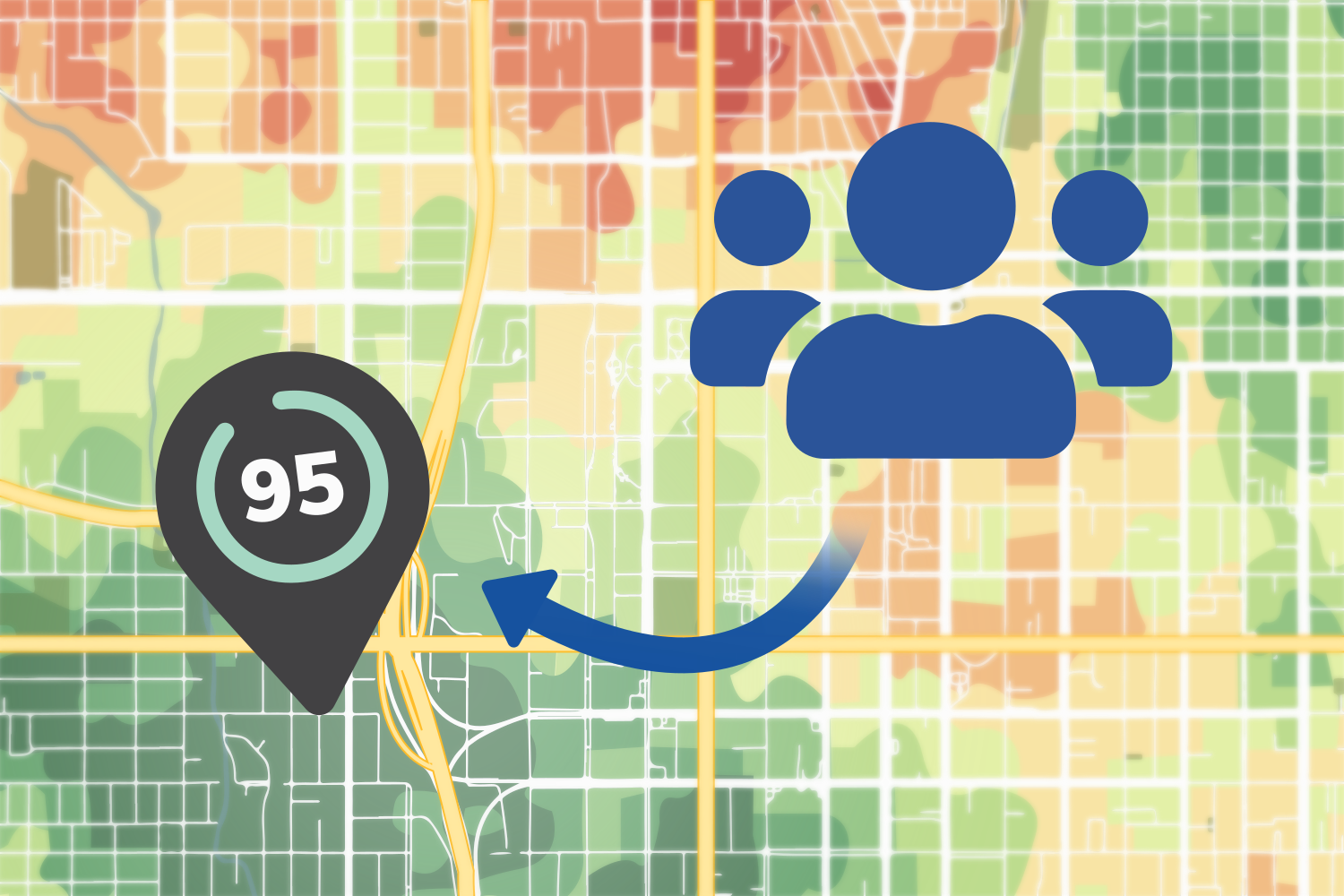
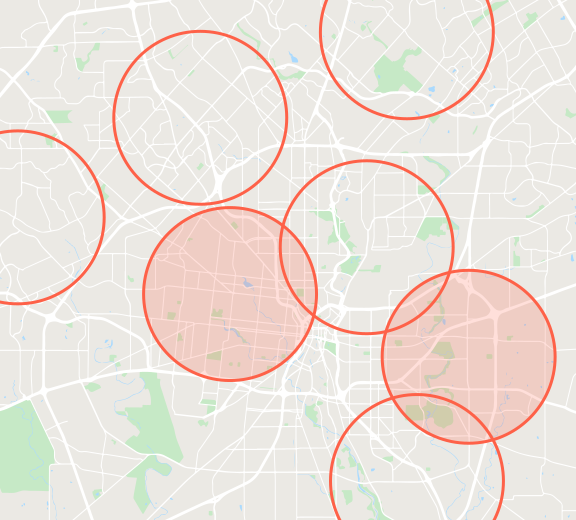
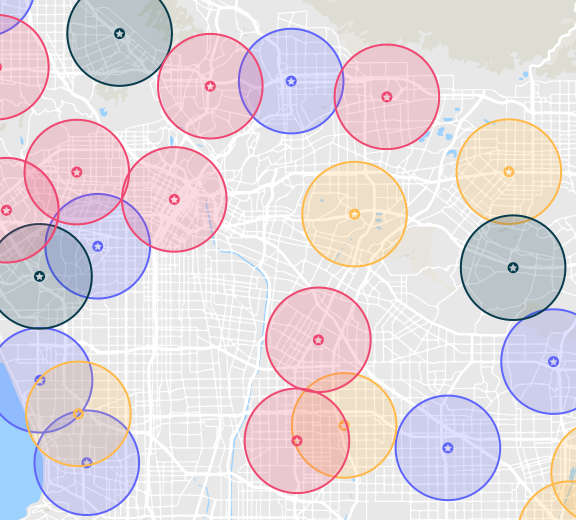
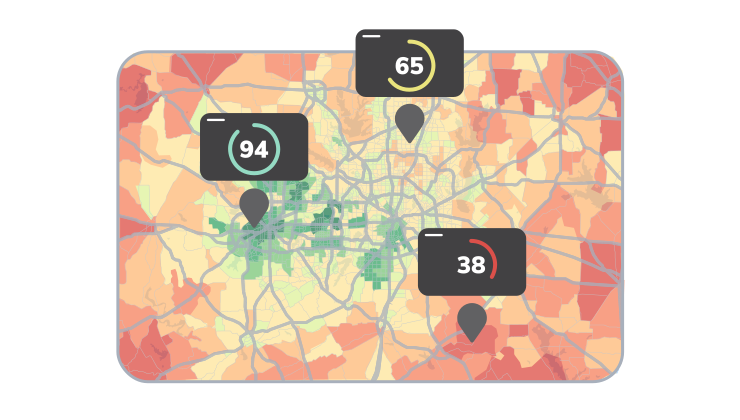
Market Match creates a unique profile based off of your top performing sites and shows where you can find similar areas. Score any locations so you can locate possible opportunities.

Locate areas of potential with Market Match

What Is Market Match?

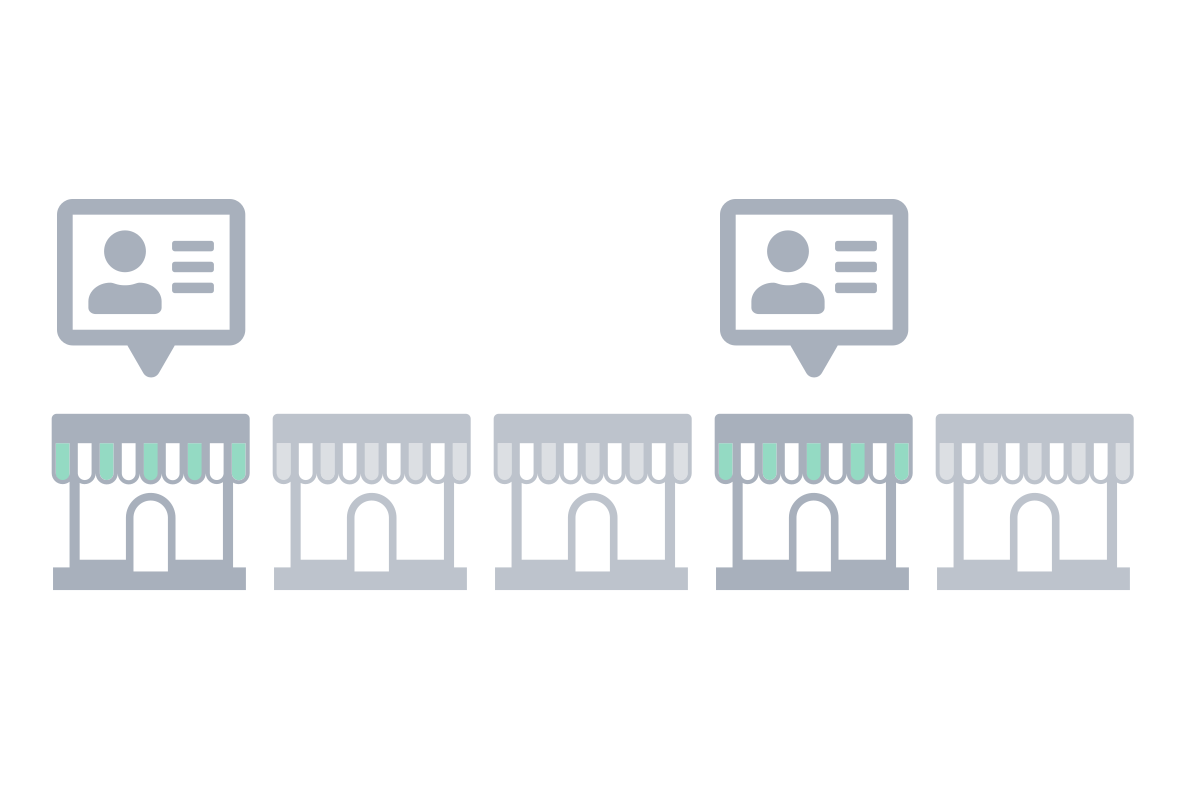
Market Match builds a demographic profile from a brand's top-performing locations, then scores every other area in a market against that profile to find places with similar characteristics. Rather than manually choosing which demographics to prioritize, REGIS Online identifies what makes the selected sites successful using Demographic Dimensions, and applies that profile to rank and map similar markets. Retailers and franchises use Market Match to find expansion opportunities that resemble their proven locations.

Find Markets Similar to Your Top Performing Locations

Instead of guessing which demographics matter most, let your best sites tell you. Market Match learns the characteristics your top performers share and finds other areas across the country with that same profile.

How Market Match Works

Market Match follows a clear workflow, from your best sites today to a ranked list of new markets to explore.

1. Select Successful Locations

Choose the sites that represent your brand at its best, the locations you want to replicate.

2. Build A Profile

REGIS Online analyzes those locations using Demographic Dimensions to build a profile of what they have in common.

3. Identify Characteristics

See what's distinctive about your profile and how it compares to the national average.

4. Score Other Areas

Every area, down to the block group, is scored on how closely it matches your profile.

5. Map Similar Markets

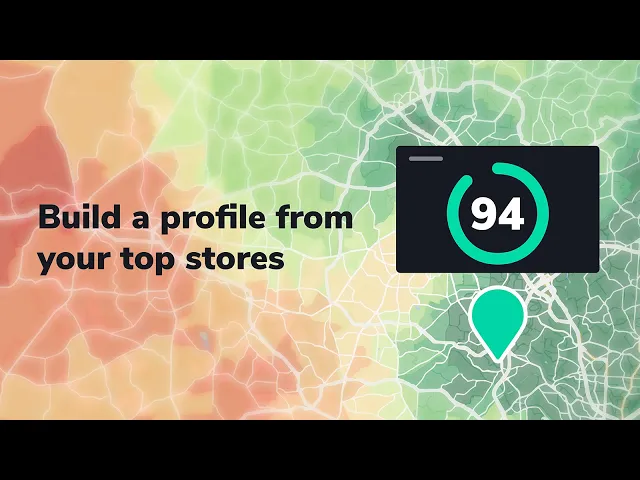
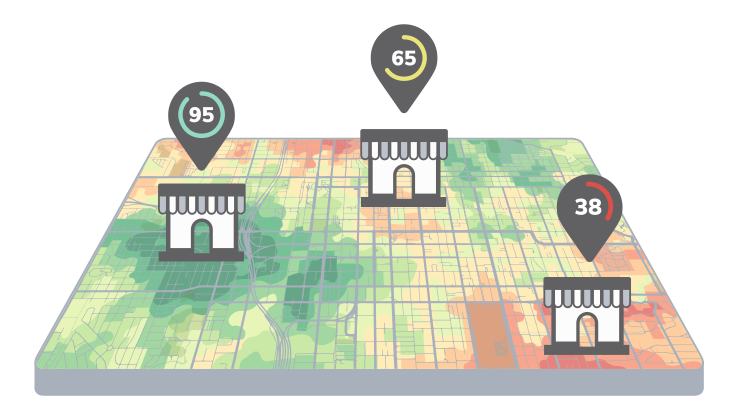
Select any area on your map to see its score and visualize where your best-matching markets are.

Find top performing sites

Find top performing sites Find Areas Similar To Top Performing Stores

Discover promising areas using a profile based on similarities between top performing locations.
Persona profile

Persona profile Map & Score Similar Markets

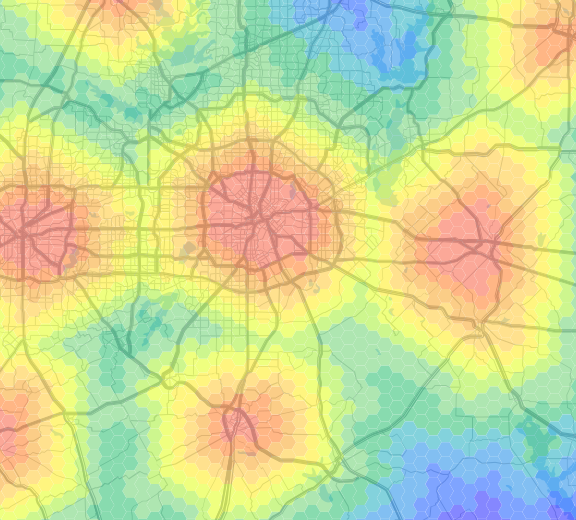
Scoring and shading down to the block group helps you visualize where your profile is in a straightforward way. Select any area on your map to show the score and see how similar it is to your profile.

REGIS Online For CRE Mapping


Unique profile graph

See how your profile is unique See How Your Profile Is Unique

Explore your profile data and determine what is distinctive about it. Find other areas that share the same unique profile by comparing Demographic Dimensions.

Learn About Demographic Dimensions
Demographic dimensions

Demographic Dimensions Powered By Demographic Dimensions

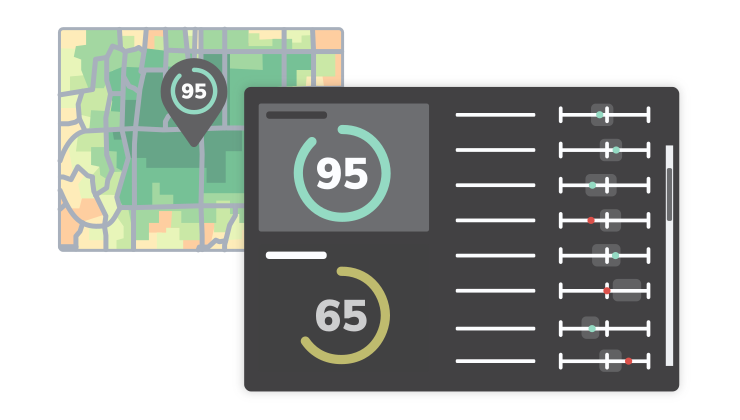
Demographic Dimensions is built from multiple demographic variables, analyzed together to profile the characteristics of an area. Market Match uses this same modeling approach to compare your top-performing sites against every other area, so you can see how any location is unique and how it compares to the national average.

More On Demographic Dimensions

Use Market Match for Site Selection & Expansion Planning

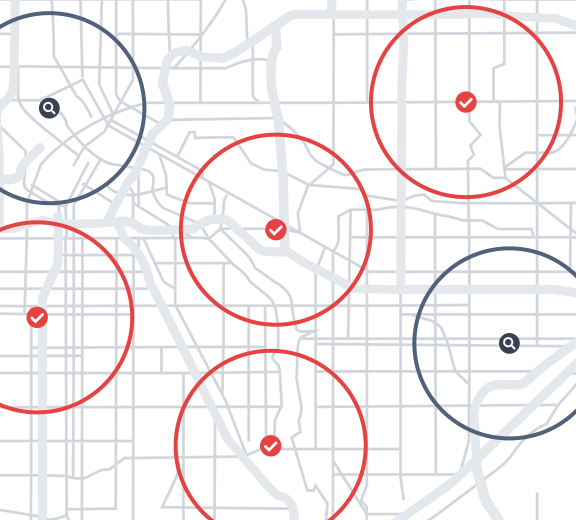
Once you know which markets resemble your top performers, narrow the search to a real site. Build a trade area around a candidate location to confirm it fits your profile, then check active listings to see what's available there today.

See Site Selection Software

Market Match vs. Market Optimization

Both tools grade a market, but they build the model differently. Use Market Match when you want to learn from your own top-performing sites; use Market Optimization when you already know the specific demographics you're targeting.

Market Match: Learn From Your Sites

Select your top-performing locations, and REGIS Online builds a profile and finds new areas that share those same characteristics.

Market Optimization: You Choose The Criteria

Select the demographic variables that matter to you, weight them, and REGIS Online grades and ranks every location against that model.

Learn About Market Optimization
Market Match map with customer information

Market Match in Action

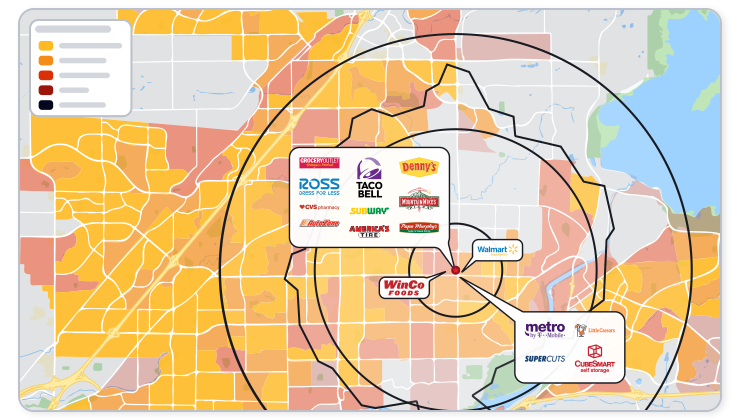
Market Match allows you to score any area to see how similar it is to a brand's profile. Use it to find somewhere a brand will thrive and spot demographic trends among a profile.

Learn how Market Match works with an example used in our blog article, or explore how it pairs with demographics, traffic counts, and Market Optimization for a complete site study.

Read Blog Article

Explore Related Retail Analysis Tools

Show competition in a market with merchant data in REGIS Online

Retail Mapping

Show the competition in any area across the market.

Fill your open lease faster with void analysis

Void Analysis

Find the best tenants to fill your open lease.

Show traffic patterns in a market with REGIS Online

Traffic Counts

See traffic values at a certain time and day of the week.

See how brands interact with each other using retail fusion

Retail Fusion

See relationships between retailers across the nation.

Add your custom data to any map with REGIS Online

Layer Control

Import your client addresses or other custom information.

Find your top location with your ideal demographics

Market Optimization

See hot spots in a new market based off demographics.

REGIS Online is the best online gis program available

See How REGIS Online can help you

Let's connect and show what REGIS Online can do around one of your properties.